The Archived Folder helps declutter your Lists and Mailings by storing unused items without deletion.
The Archived Folder is available by default for all ReachMail customers and applies to both Lists and Mailings.
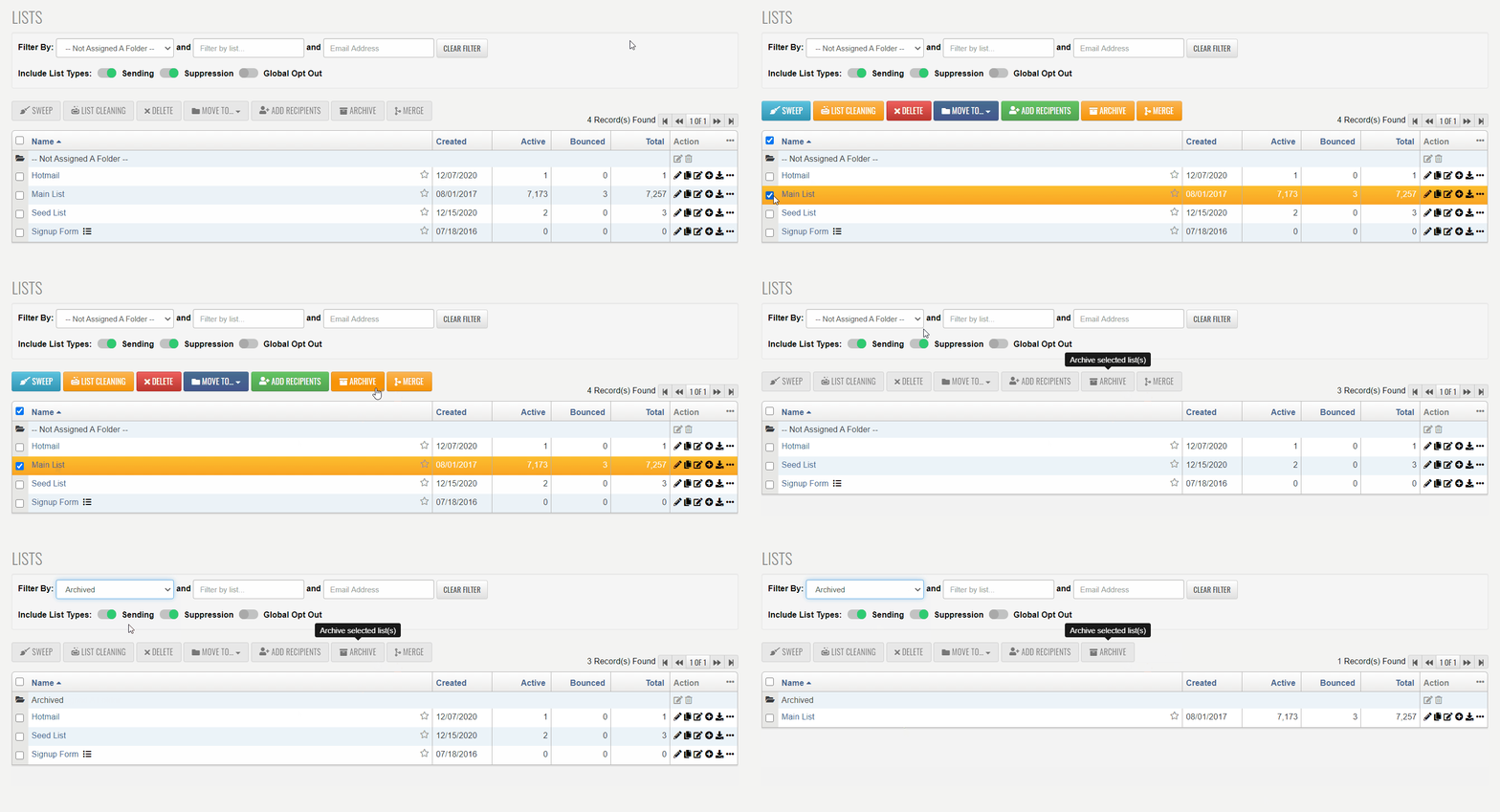
- Moving a List or Mailing to the Archived Folder hides it from your main view, so it won’t appear when accessing the Lists or Mailings tab, scheduling a mailing, or performing other operations.
- To view archived items, you must specifically select the Archived Folder.
- Archiving removes clutter without deleting data, but note that archived Lists still count toward your account total.
Below is an example of moving a List to the Archived Folder: