Integrate Pixabay to import royalty-free images directly into your Image Library for email campaigns.
ReachMail’s Pixabay integration lets you import royalty-free stock images directly into your Image Library.
- Go to Tools
- Select Image Library
- Click Find New Images On Pixabay
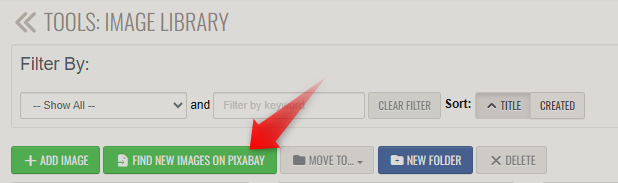
Once you click on this button a new window will pop up where you can search images.
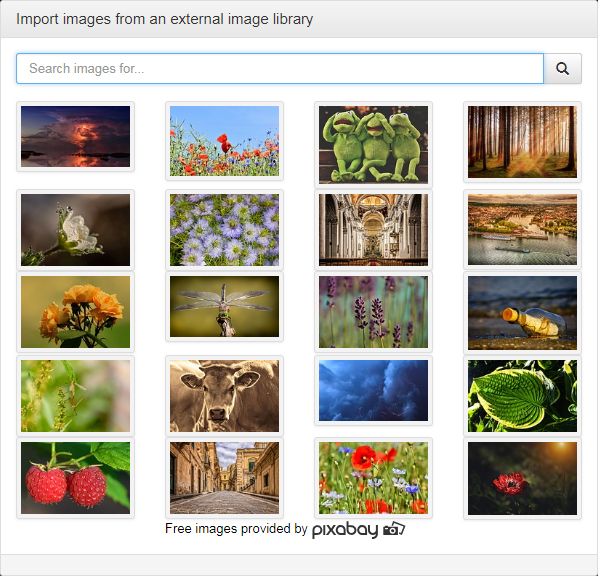
Once you've found the perfect picture all you need to do is click on it and use the Import button to add it to your Image Library.
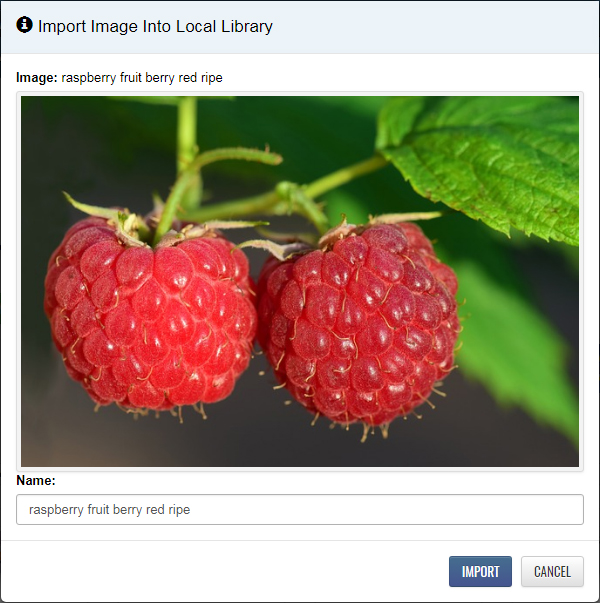
From there you will be able to insert that picture in any mailing in your account.
