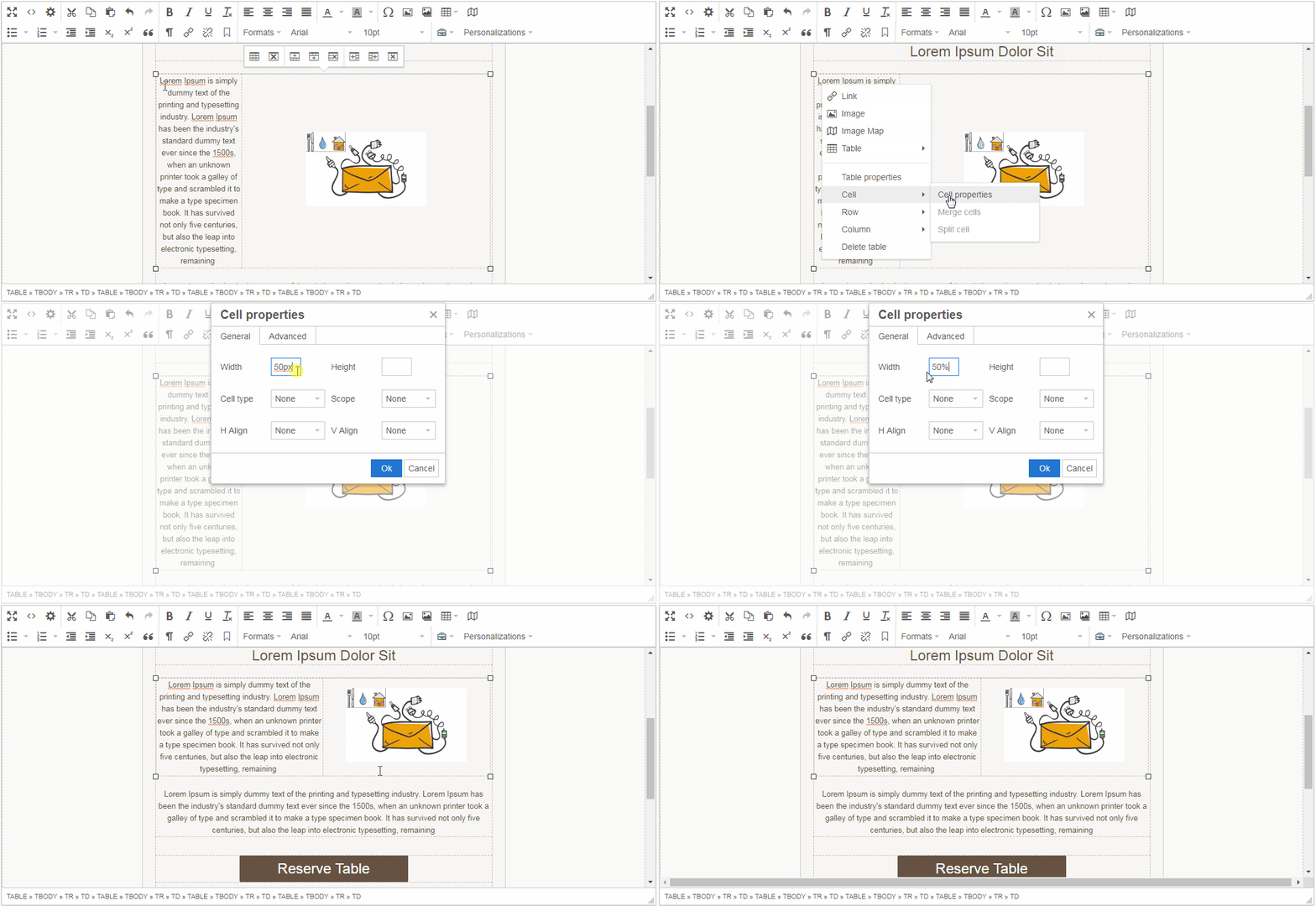
Directions on how to resize tabe cell, section or box in your mailing with the ReachMail's Advanced Editor.
To resize a table cell (section or box):
- Right-click on the cell and select Cell Properties
- Adjust the Height and Width fields
- You can use percentages (e.g., 50% fills half the available space) for more dynamic sizing than fixed pixels