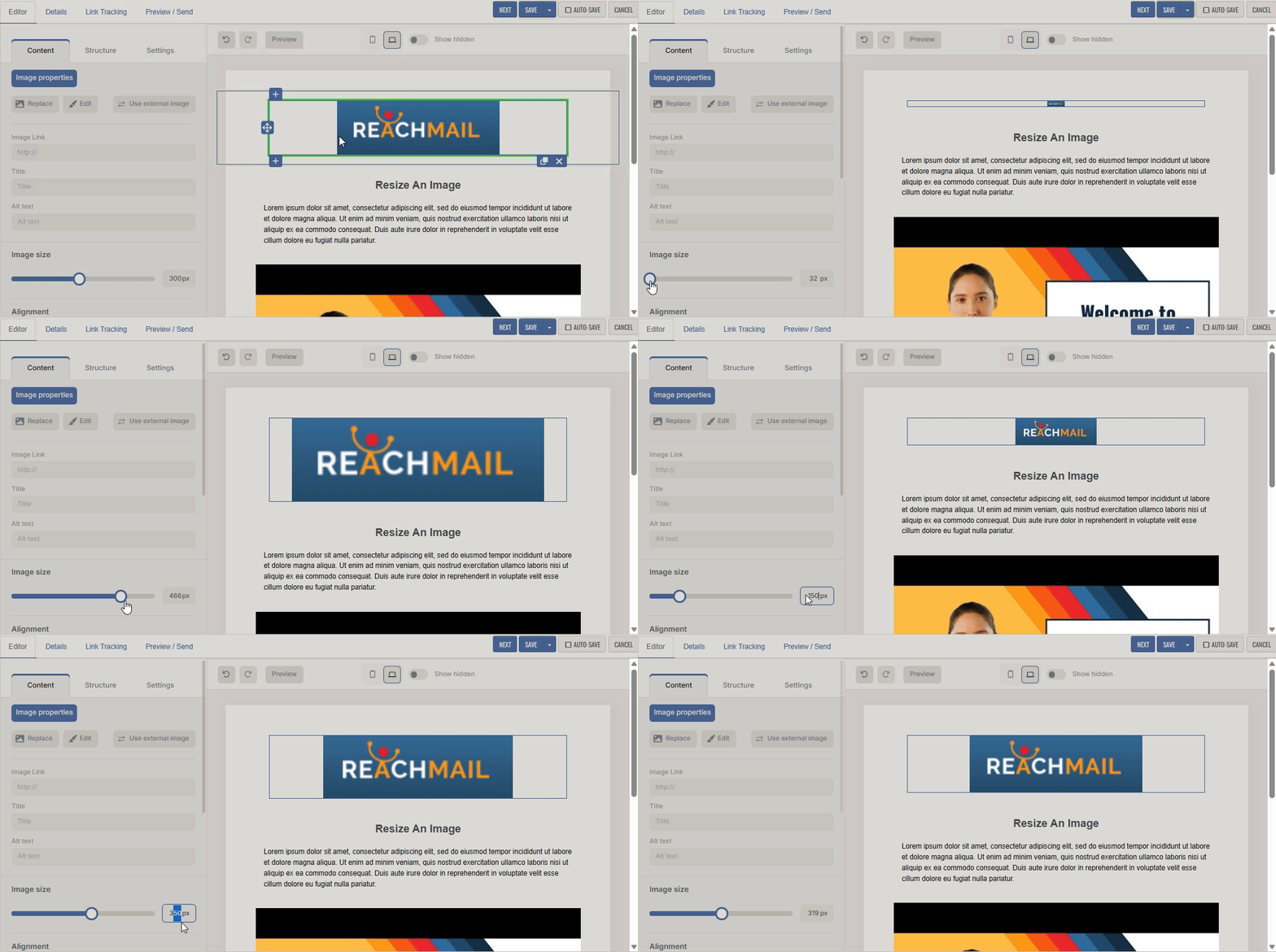
Directions on how to resize images, sections or boxes in your mailings using ReachMail's Advanced Editor.
To resize an image in your mailing:
- Left-click to select the image
- Use the slider on the left-hand side to decrease or increase the size
- Or manually enter the desired dimensions directly into the input field