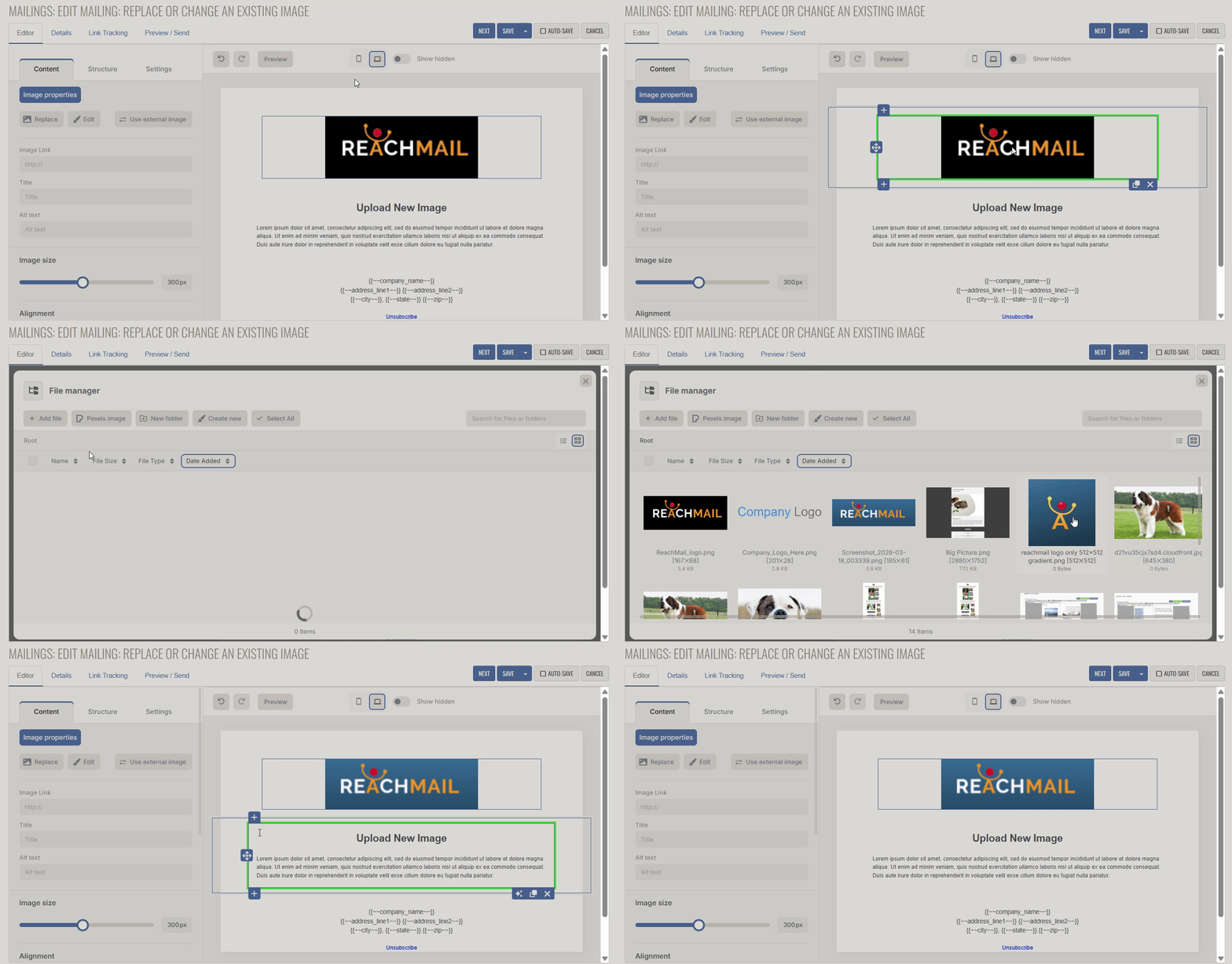
Effortlessly replace images in your mailing using the ReachMail Advanced Editor following these directions.
Replacing an image works similarly to inserting a new one, but starts from the existing image.
- Click on the image you want to replace
- Select Replace
- Choose the new image file to use