You can create a template from any of your mailings. To start:
- Go to your Mailings tab
- Select the mailing you want to create a template from
- In the Action column, click on the ellipsis (•••) button
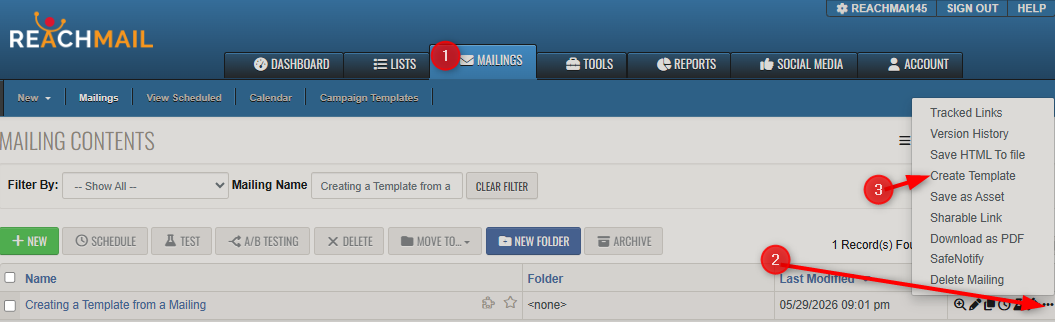
- Click on Create Template
- Enter the name of the Template
- Click OK
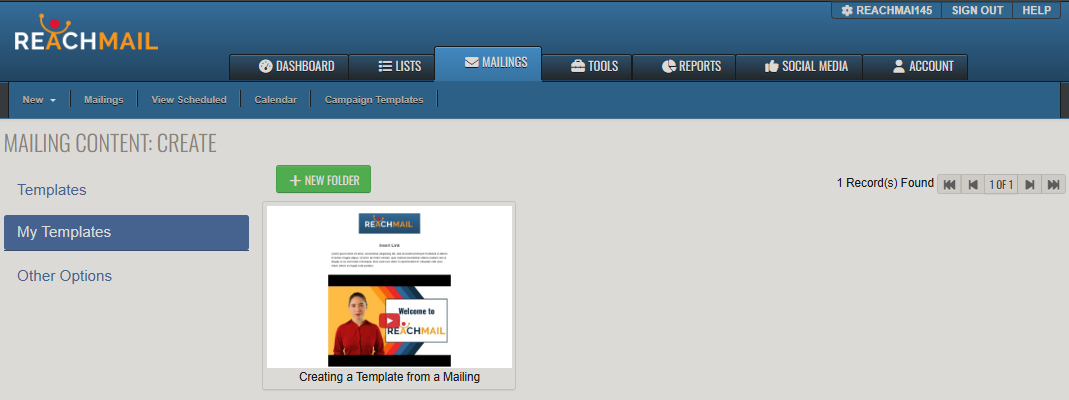
You can now access this template when you create a new mailing or when you check on Tools > Templates.