The Global Opt Out list prevents specific email addresses from receiving any emails from your account
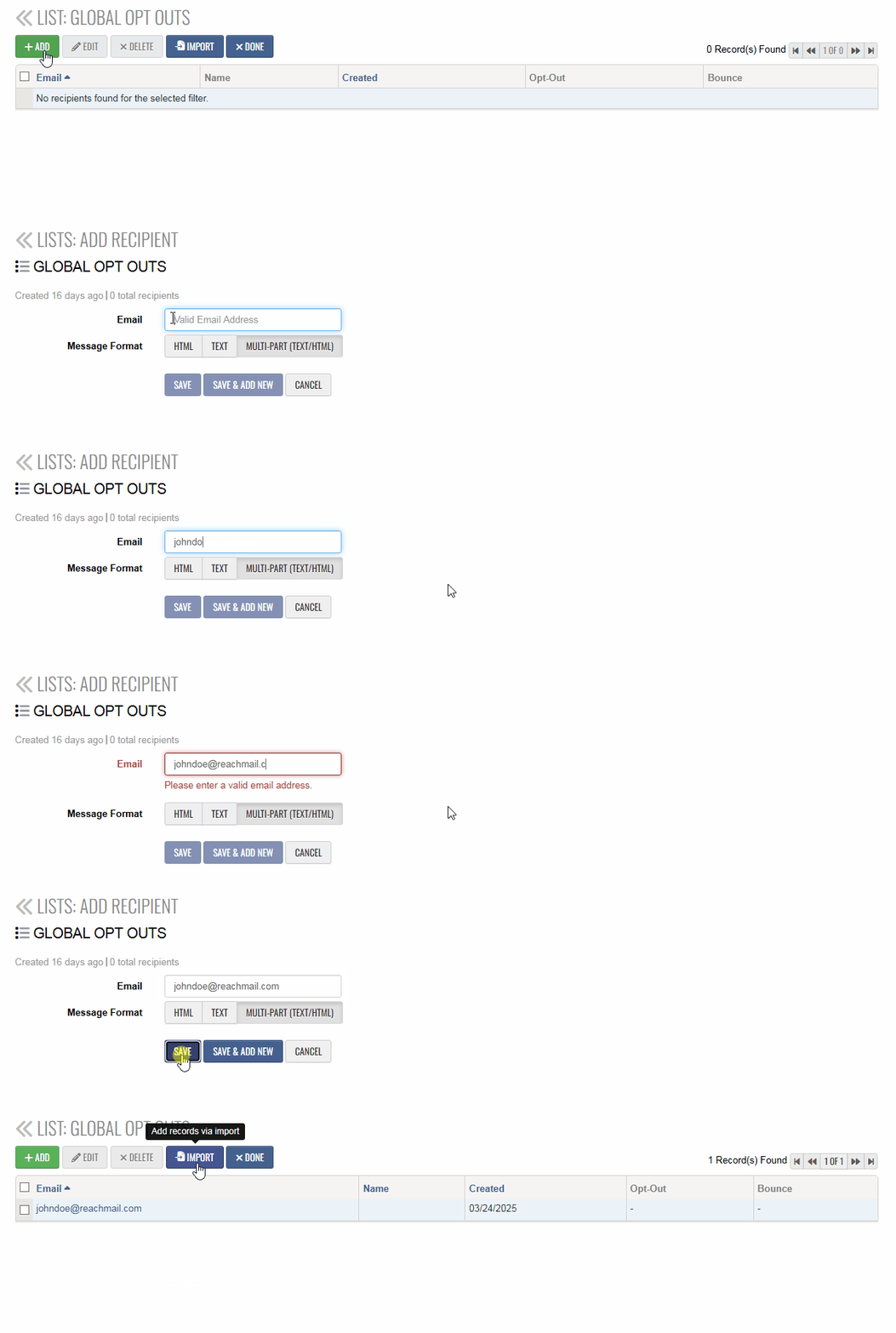
To manually add a recipient:
- Go to the Lists tab
- Under Include List Types, select Global Opt Out
- Click the Global Opt Out list to open it

- Select either:
-
Add – to add a single recipient
-
Import – to add multiple recipients
- Enter the recipient details and save