How to create a new list easily by selecting From A Blank List in the Lists tab and adding your fields.
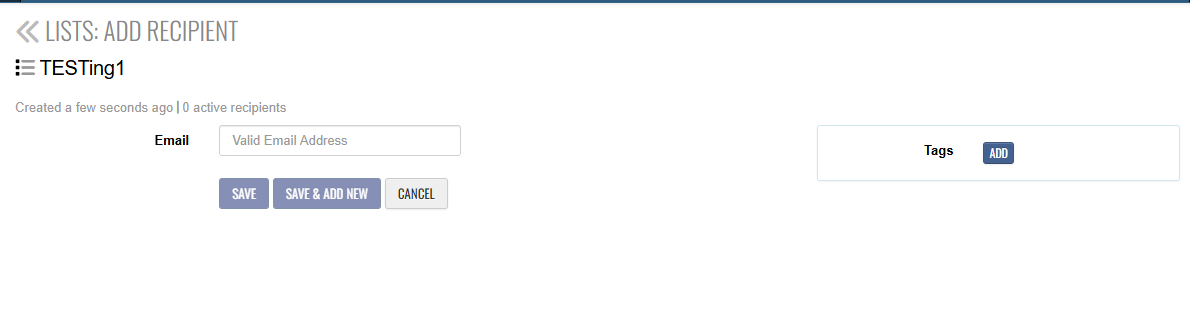
fter creating a list, you’ll be taken to the Add Recipients page Enter recipient details:
-
Email Address is required
- Use the filter or scroll bar to add more fields
Choose one:
-
Save – to add the recipient
-
Save & Add New – to add multiple recipients
(Optional) Use Add List Fields to include additional data for your recipients