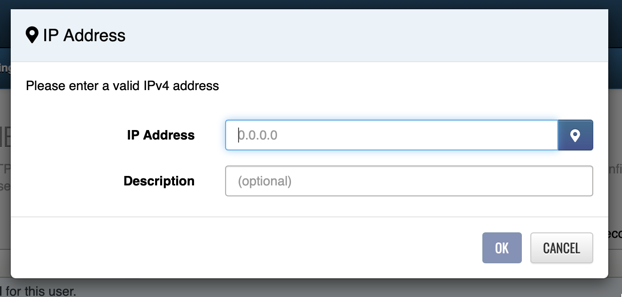
Directions on how to authenticate your IP address for devices that do not allow for authentication at the device.
IP Authentication (paid plans only) allows SMTP connections from a specific IP without requiring login credentials
- Supported on ports 25, 2525, and 587
- Connections from configured IPs automatically log in as the user
To enable IP authentication:
- Go to Account → IP Authentication
- Click + New IP
- Enter your IP address and optional description
Don’t know your IP?
- Click the marker icon to auto-detect your current IP