Reset your ReachMail password easily. Click 'Forgot password?' at login, get a reset link via email.
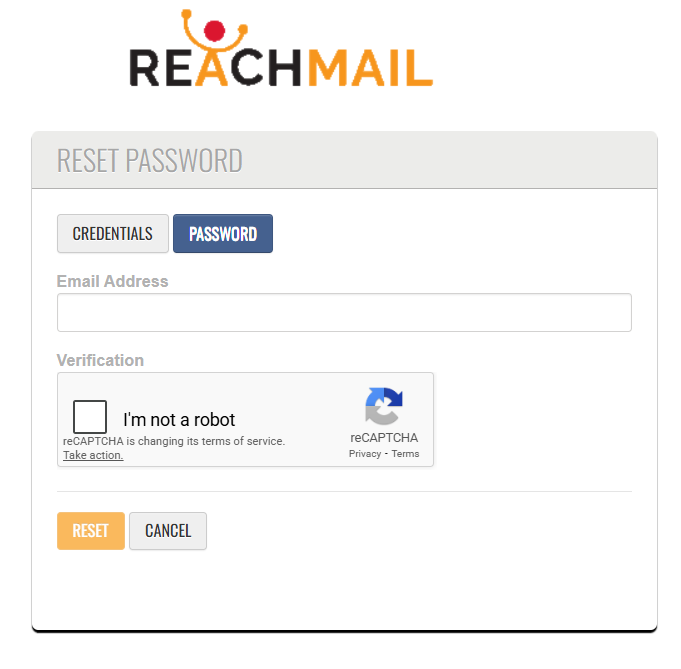
Forgot your ReachMail password? To reset your password:
- Go to https://ui.reachmail.net
- Click "Forget credentials or password?"
- A password reset link will be emailed to you.
- Your Account Key and Username are required to reset your password.
- The Account Key and Username are emailed to you when you sign up.
- You can also have them emailed to you again using the CREDENTIALS button.
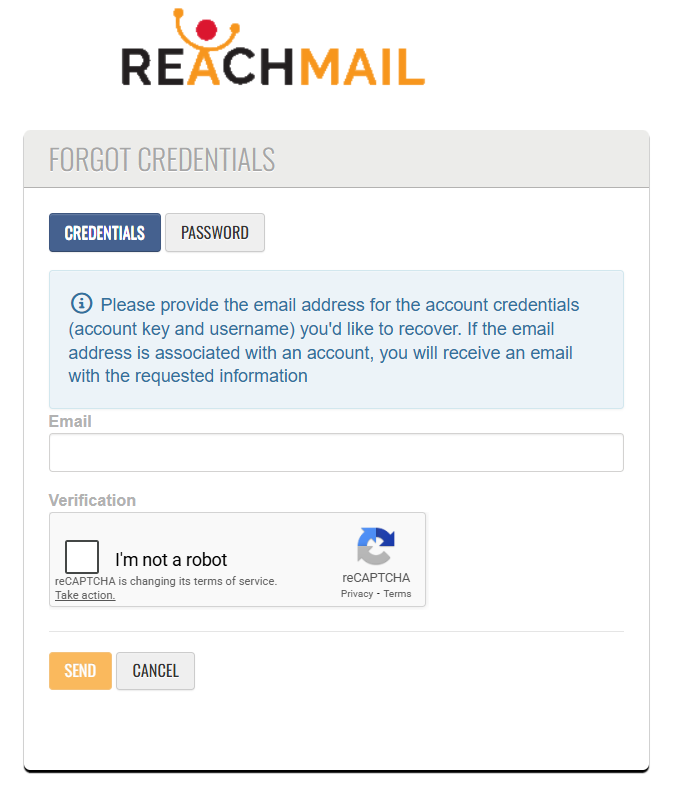
If you have forgotten your account credentials:
- Enter your email address
- Your Account Key and Username will be sent to you by email.
Here are some direct links
Forgot Password: https://ui.reachmail.net/login/#/resetpassword
Forgot Credentials: https://ui.reachmail.net/login/#/sendusername
