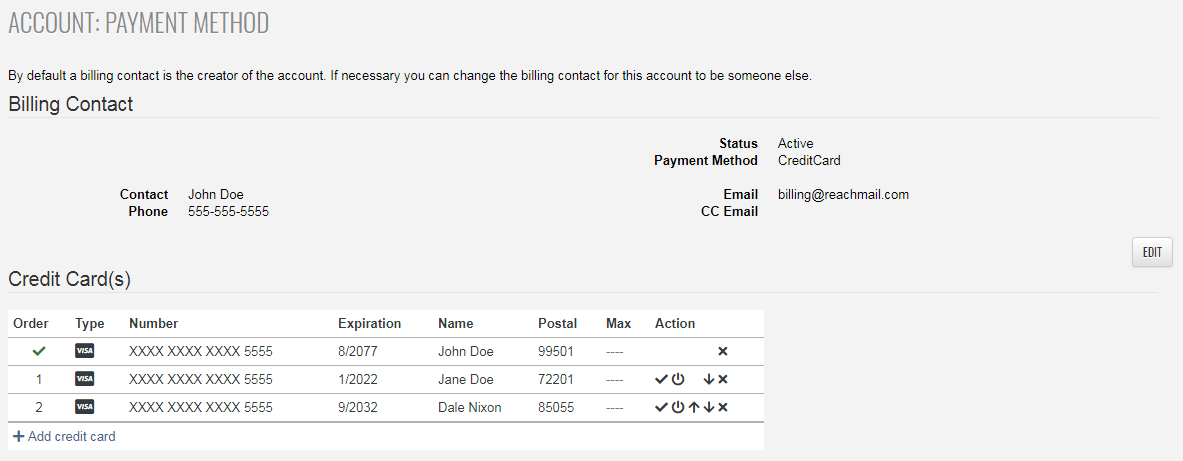
Where to manage your payment methods under the Billing tab: add, deactivate, or set default credit cards.
- Go to the Account tab
- Click Billing
- Select Payment Method
- From this page, you can:
- Add a new credit card
- Deactivate a card
- Set a default card
- Delete an existing card
Note:
- Credit cards are only required for paid accounts
- Free accounts can ignore this page unless using paid services